If you want to know about phone, charging and wifi guide, this guide covers everything you need. This guide is maintained by a Kansas City local. Some links may be affiliate links. We only recommend things we’d tell a friend about.
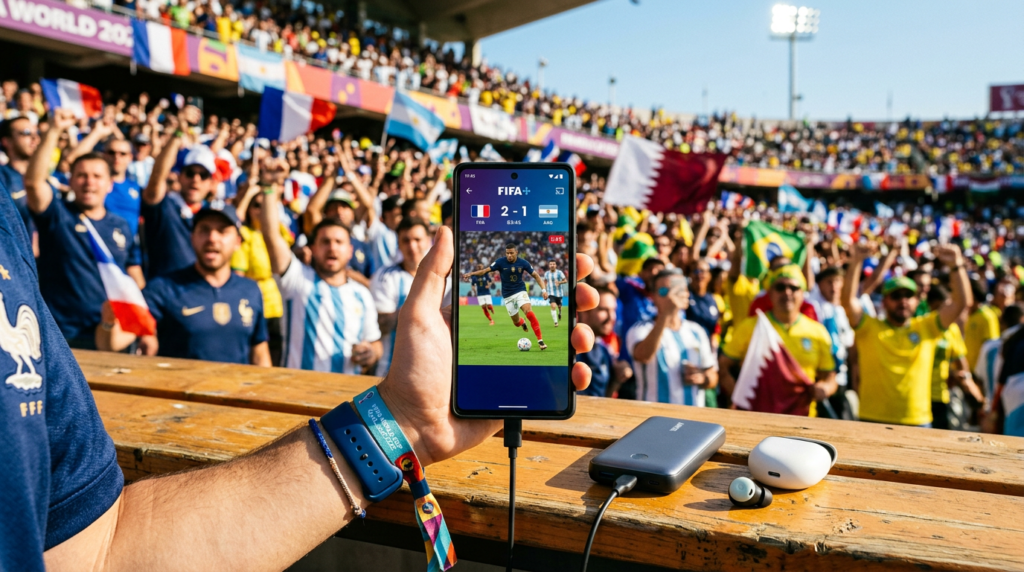
Your phone is your lifeline at the World Cup: tickets, maps, rideshare apps, photos, and staying in touch with your group. But 76,000 people crammed into Arrowhead Stadium will put massive strain on cell networks. Here is how to stay connected on match day in Kansas City.
Cell Service at Arrowhead Stadium: Phone, Charging And Wifi Guide
Cell service at large events is notoriously unreliable. When tens of thousands of people are all trying to use their phones simultaneously, networks get overloaded. Expect slow data speeds, failed text messages, and calls that will not connect during peak moments (halftime, goals, before and after the match).
All major US carriers (AT&T, T-Mobile, Verizon) have coverage in the Arrowhead area, but none of them will handle 76,000 concurrent users smoothly. FIFA and the local organizing committee may deploy temporary cell towers (COWs: Cells on Wheels), but do not count on perfect service. Mastering phone, charging and wifi guide takes practice but delivers great results.
Stadium WiFi
Arrowhead Stadium has WiFi available for fans. For Chiefs games, the network is typically “Arrowhead Stadium WiFi” or similar. For the World Cup, FIFA may set up a dedicated network. Stadium WiFi is better than nothing but will also be congested with tens of thousands of users.
Connect to WiFi as soon as you enter the stadium. It may work better than cellular data during peak congestion. But do not rely on it for anything critical.
Portable Chargers: Essential
A dead phone at the World Cup is a nightmare. You need it for your digital ticket, your rideshare home, and communication with your group. Bring a portable charger. This is not optional. Understanding phone, charging and wifi guide is key to a great World Cup experience.
- Minimum capacity: 10,000 mAh (about 2 full phone charges).
- Recommended: 20,000 mAh if you are spending all day at the stadium (tailgate + match).
- Bring your charging cable: USB-C or Lightning depending on your phone.
- Charge the power bank the night before: This sounds obvious, but you would be surprised how many people forget.
- Portable chargers ARE allowed inside Arrowhead Stadium (check dimensions against the clear bag policy).
Download Before You Go
Do not rely on streaming data at the stadium. Download everything you might need before you leave your hotel:
- Google Maps offline map: Download the Kansas City metro area. Open Google Maps > search ‘Kansas City’ > tap the name > Download offline map. This works without data for navigation.
- Uber/Lyft: Make sure both apps are installed, logged in, and have a payment method saved. You do not want to be setting up an account after the match when everyone is trying to leave.
- FIFA app: Download the official FIFA World Cup app for match information, lineups, and live scores from other venues.
- Your digital ticket: Screenshot or download your ticket to your phone’s wallet. Do not rely on loading it from email at the gate.
- Music/podcasts: For the long waits in traffic or lines. Download playlists rather than streaming.
International Visitors: eSIM and Data Options
If you are visiting from outside the United States, you have several options for mobile data:
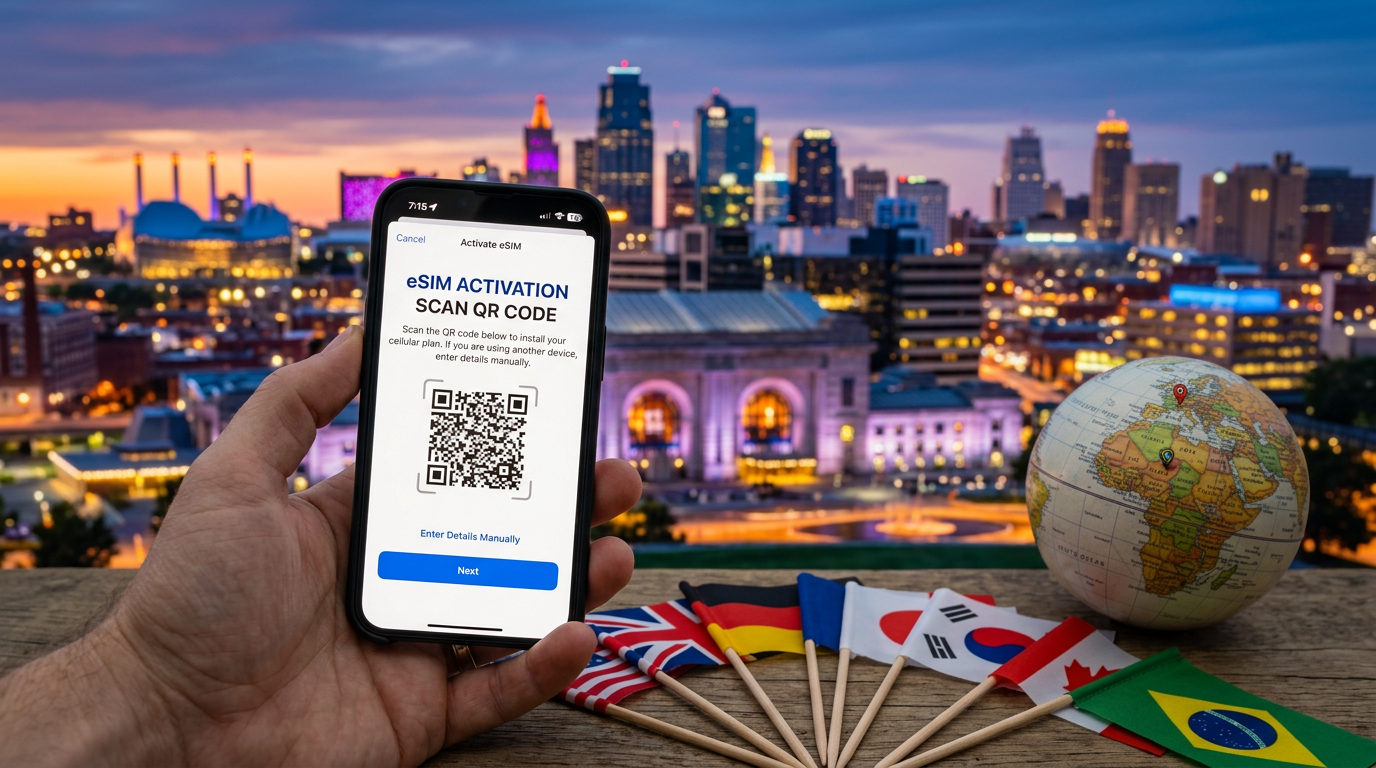
- eSIM (recommended): If your phone supports eSIM (most modern iPhones and Android phones do), buy a US eSIM before you travel. Providers like Airalo, Holafly, and T-Mobile Tourist offer affordable data-only eSIMs that activate instantly. No physical SIM swap needed.
- International roaming: Check with your home carrier. Many European and Asian carriers offer affordable US roaming packages. Just make sure to activate the package before you land.
- Prepaid US SIM: Buy a prepaid SIM card at the airport or any Walmart/Target. T-Mobile and AT&T prepaid plans offer good coverage in the KC area.
- WiFi calling: If you have WiFi access (hotel, stadium), use WhatsApp, FaceTime, or similar apps for calls and messages over WiFi rather than cellular.
Key Apps to Have
- FIFA Official App: Match info, lineups, live scores
- Google Maps (with offline KC map): Navigation
- Uber + Lyft: Rideshare (install both for price comparison)
- Weather app: KC weather changes fast. Check before heading to the stadium
- Google Translate: Useful for communicating with international fans
- Your bank/payment app: Make sure your cards work in the US. Notify your bank of travel
Pro Tips
- Put your phone in low-power mode during the match to conserve battery.
- Turn off auto-updates and background app refresh.
- Use text messages instead of calls. Texts get through even when calls fail.
- Agree on a physical meeting point with your group in case phones die. The main gate is a good fallback.
- Take photos and videos but upload them later when you have WiFi. Do not try to stream or upload at the stadium.
Recommended Products

All-day portable charger, 2 USB ports, fast charging, keeps phone alive through match day When it comes to phone, charging and wifi guide, preparation matters most.
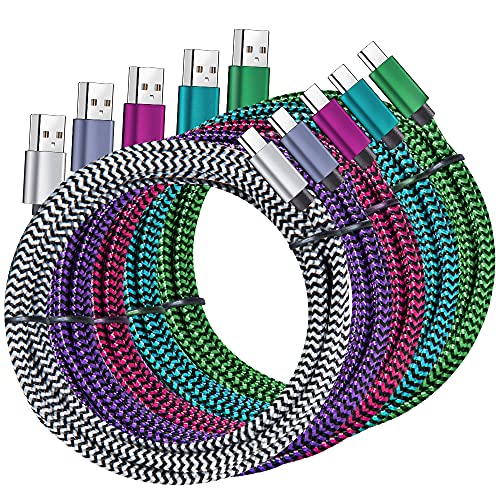
Braided nylon USB-C cables, 6ft length, for stadium charging
As an Amazon Associate, we earn from qualifying purchases. Prices shown are approximate and may change. See our affiliate disclosure.
Further reading: For more information, see FIFA World Cup 2026.
Frequently Asked Questions
Will my phone work reliably at Arrowhead Stadium during World Cup 2026 matches?
Cell service will be strained with 76,000 concurrent users, so expect slow data speeds, failed texts, and dropped calls during peak moments like halftime and goals. All major US carriers have coverage in the area, but none will handle the massive crowd smoothly, though FIFA may deploy temporary cell towers to help.
What’s the best phone, charging and WiFi guide strategy for staying connected at the stadium?
Connect to the stadium’s dedicated WiFi network as soon as you arrive, as it may work better than cellular data during peak congestion. However, don’t rely on either for critical tasks, and bring a portable charger since a dead phone means losing access to your digital ticket, rideshare apps, and group communication.
Is a portable charger really necessary for World Cup 2026 in Kansas City?
Yes, a portable charger is essential, not optional. Your phone is your lifeline for your digital ticket, navigation, rideshare home, photos, and staying in touch with your group, so you cannot afford to have it die during the match.
Should I rely on stadium WiFi or cellular data at Arrowhead during the World Cup?
Stadium WiFi will likely be congested with tens of thousands of users, so use it as a backup option rather than your primary connection. Neither WiFi nor cellular data will be completely reliable during peak moments, so plan accordingly and avoid depending on either for anything truly critical.